 Original
 AI Clone
Animation, reimagined
A familiar animated moment takes a new direction.
AI video creation for your next original take
Reimagine the moments that catch your eye. Create short clips with your own characters, scenes and images for animation, content channels, side projects and brands.
AI Model
Prompt *
Explore animation, everyday moments and character-led scenes. See a reference and its reinterpretation side by side.
OriginalAI CloneA familiar animated moment takes a new direction.
 Original
 AI Clone
See how a simple action becomes another visual story.
 Original
 AI Clone
An unexpected setting gives a familiar format a twist.
 Original
 AI Clone
A familiar presentation becomes a new creative variation.
 Original
 AI Clone
The same scene idea, reworked with a different environment.
 Original
 AI Clone
A creator-style reference paired with its AI adaptation.
Clone Cut is an AI video creation studio for turning a reference-inspired idea into a new short clip. Start with a text prompt or your own image, then describe the subject, action and camera movement you want.
To clone viral video ideas, look at what makes a scene interesting: its opening, visual rhythm or unexpected reveal. Adapt that idea into your own animation, channel story, portfolio sample or product moment.

Build on the video ideas you love. Create scenes for your brand, guide the camera and character, and explore more versions with Clone Cut.
Take inspiration from a competitor’s ad and build a new scene around your own product. Use your images and describe the opening, style and message you want. Keep the idea that caught your eye while giving the video your brand’s own look and voice.
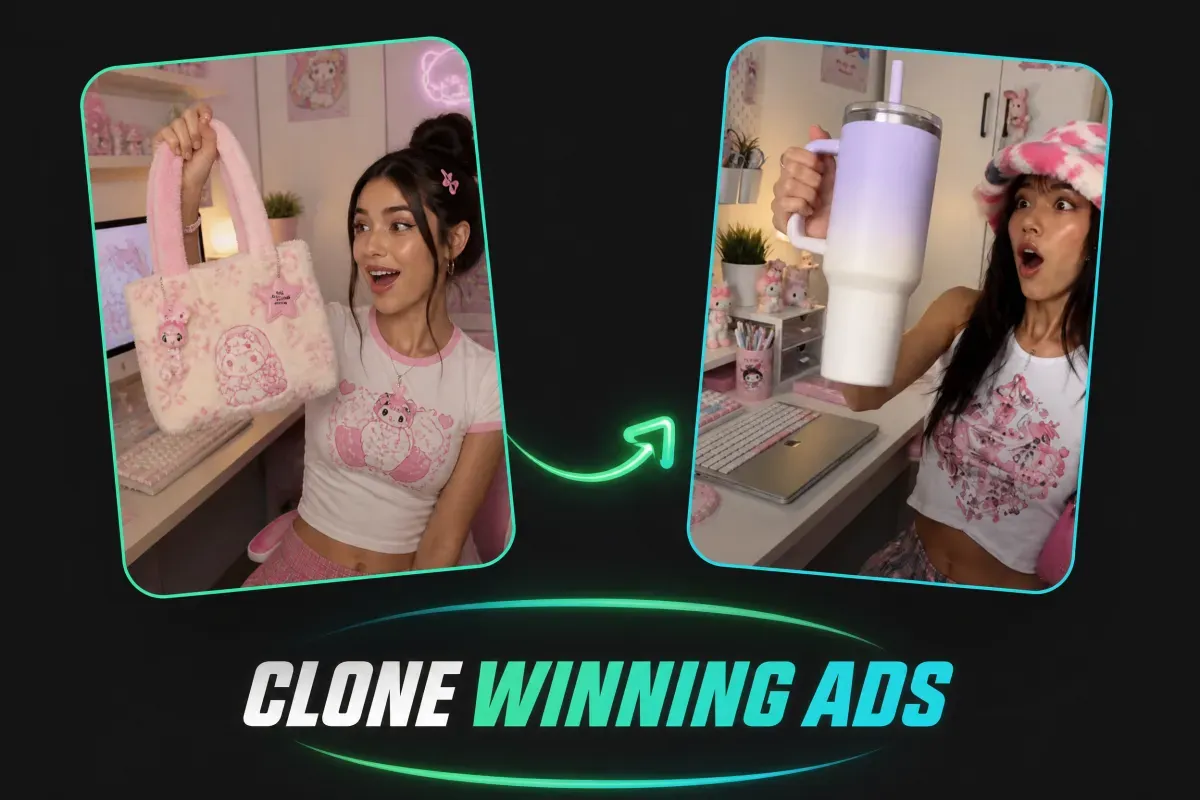
Bring the feel of a favorite shot into your next video. Describe the camera angle, movement and action in simple words, from a slow close-up to a moving character. Use your prompt to guide the scene, then review the clip and adjust the details.
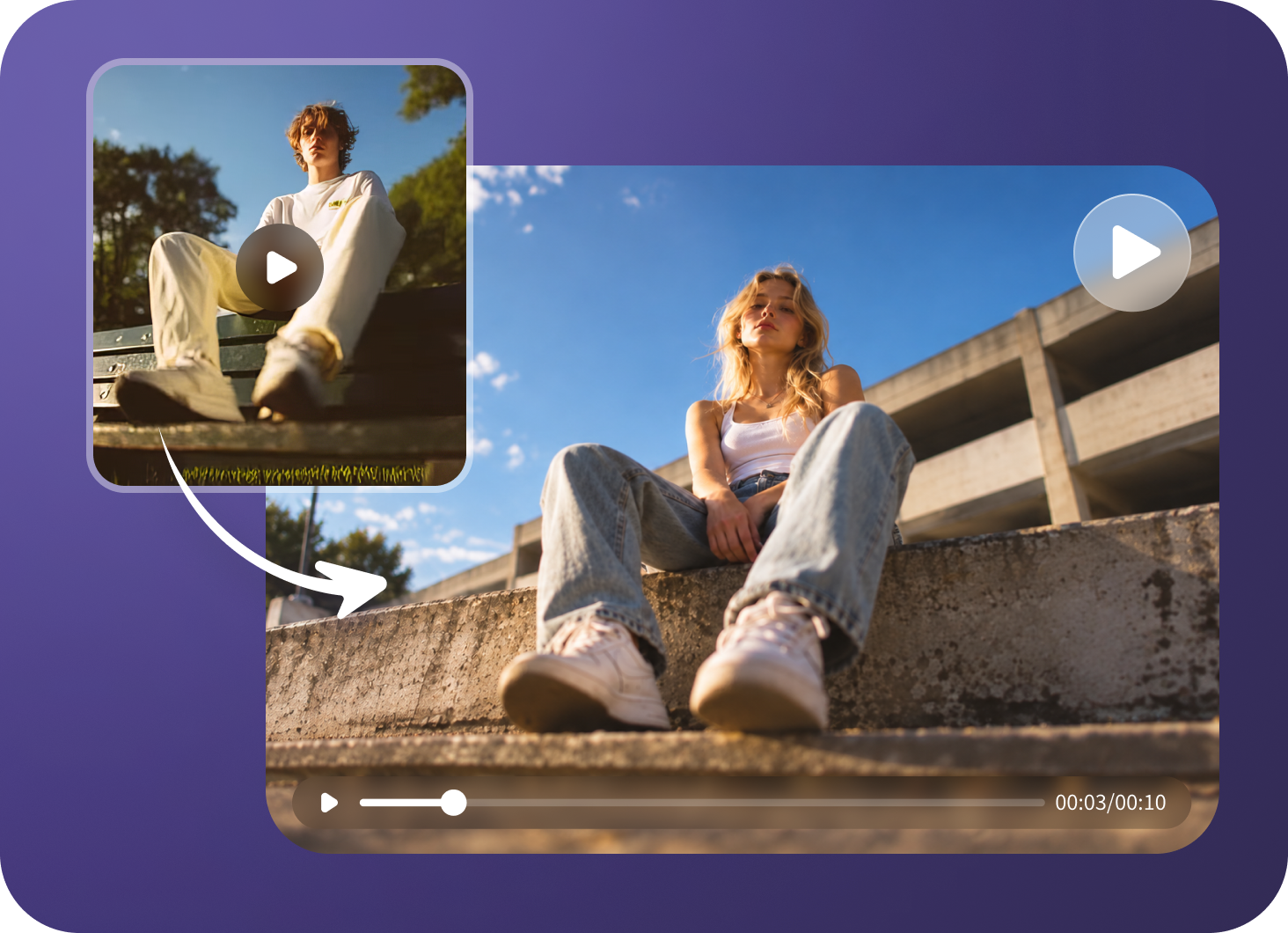
Give your character a clear visual starting point with a reference image. Keep the same face, outfit and key details in your prompts as you explore new settings and actions. Review each result to find clips that work together for your animation, story or content channel.
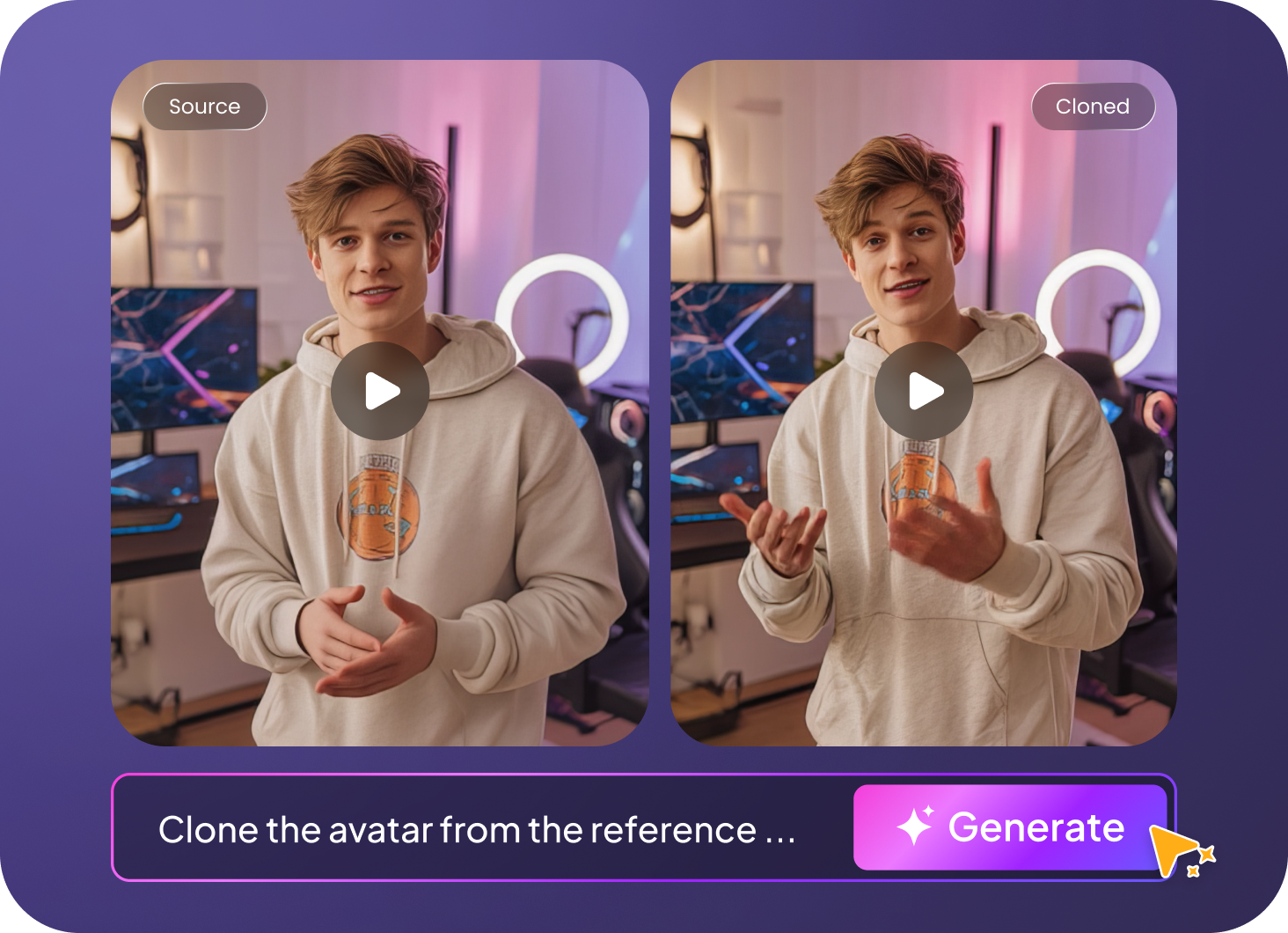
Use one reference idea to explore different products, characters and scenes. Change the opening, background or action in your prompt, then generate another version. Compare your clips and choose the direction that fits your brand, channel or next project.
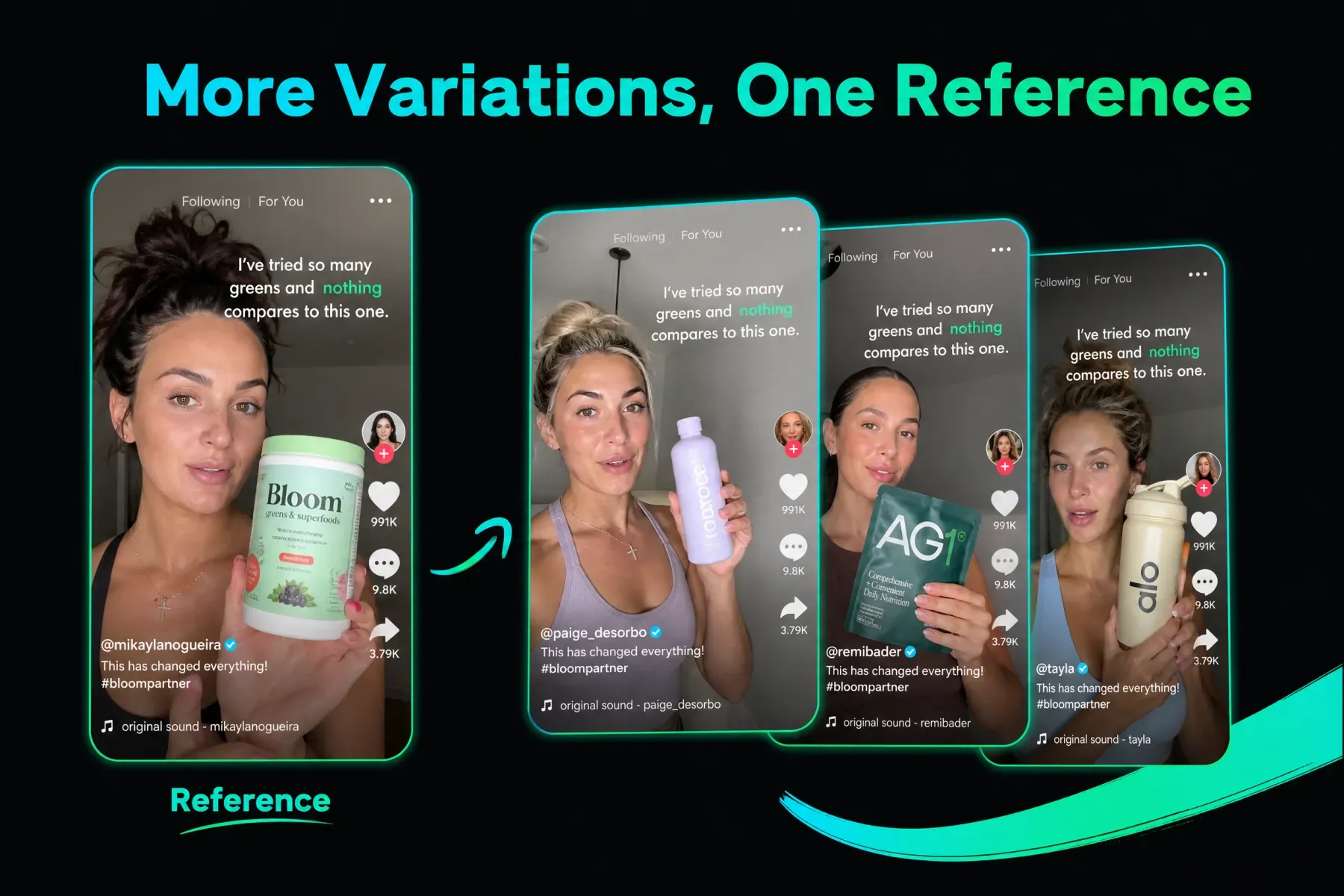
Explore ideas for product videos, social trends, ads, creator clips, tutorials and travel stories. Give each format a new subject and your own style.

Use an unboxing or try-on as inspiration for your own product scene. Plan a clear opening, show the item in use and give the setting your own style.

Build on the movement or opening that makes a trend stand out. Bring in your own character, setting or message to create a fresh take for your channel.

Put your product at the center of a launch concept. Explore a different reveal, background or color palette while keeping the main message easy to follow.

Plan a new review, update or story around a presenter. Try a different topic, outfit or background to suit the tone of your content channel.
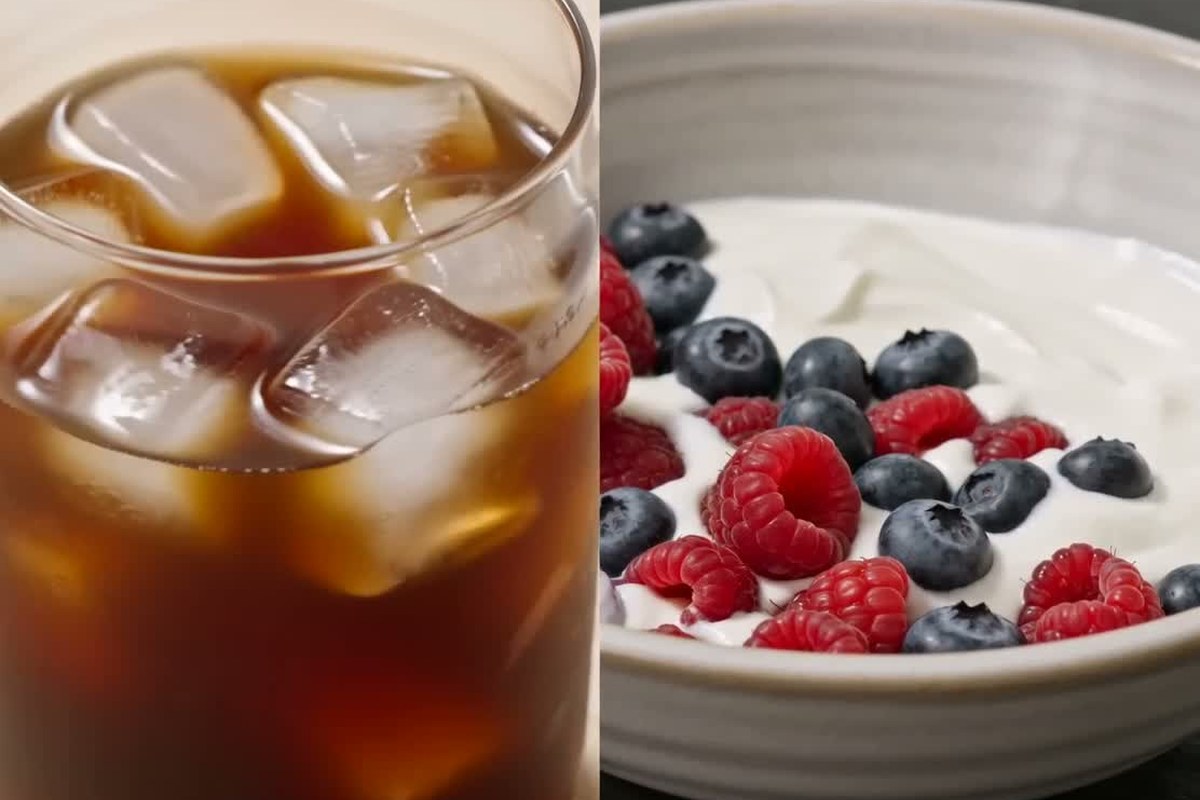
Turn a useful lesson into a new visual idea. Choose your own topic and break it into clear steps, with simple scenes that help explain the message.

Take inspiration from a trip or a daily routine. Explore a new place, activity or mood, then build a short story around the moments you want to share.
From a first idea to your next short video, Clone Cut gives you simple tools to create, compare and try again.
Turn a scene idea into a short clip before building a full video. Try the look and action first, then spend your editing time on the version you like.
Write what you want to see or add a reference image. Choose your settings and generate a clip in one workspace, with no complex timeline to set up.
Try different AI video models in the same studio. Compare their style, motion and available settings to find a good fit for your idea and budget.
Build scenes around your own character, product or image. Describe the setting and message you want, whether you are making an animation, a brand video or a personal project.
Change a few words in your prompt to explore a new opening, action or background. Generate another take and compare the results without writing a new idea from scratch.
Choose an available video format for your content channel. Create short clips, then add captions, music and final edits in your preferred editor before you share them.
Choose a reference-inspired idea, add your own prompt or image, then generate and review your clip.
01
Study the opening, mood and action of a video you like. Describe a new scene with your own subject.
A fantasy character raises a glowing staff in a windswept landscape. Open on the light, follow the movement, then reveal the world around them.
02
Enter your prompt or upload an image in a supported mode. Select your model and available aspect ratio, duration and resolution.
Use a clear reference image and explain what should move, how the camera should behave and what mood you want.
03
Check the clip, refine your instructions and try another take. Finish captions, sound and sequencing in your preferred editor.
Check the subject, movement and visual details. Use the clip as a starting point for your story, channel or project.
Feedback from creators using Clone Cut to turn prompts and reference images into polished images and videos.
A few things to know before you create your first clip.
Explore plans & creditsClone Cut is an AI video creation studio for turning a reference-inspired idea into a new short clip. Start with a text prompt or your own image, then describe the subject, action and camera movement you want.
The current homepage workflow accepts text prompts and reference images, not source-video uploads or social video links. Describe the scene and motion yourself. Automatic shot-by-shot cloning is not available in this workflow.
Choose a reference and study its opening, mood and movement. Write a new scene around your own character, setting or subject, optionally add your own image, then generate and review a clip. The current studio does not automatically analyze or copy source videos.
You can describe an animated scene or use your own artwork to explore short clips. Combine clips, narration, music and captions in your preferred editor to build a finished episode. The studio does not automatically create or manage a channel.
You can generate short clips for those formats. Choose a suitable aspect ratio where your model supports it, then use your preferred editor for sequencing, captions and music before publishing.
Image-to-video starts with a reference image plus your motion instructions. Text-to-video starts from a written scene description. Available settings depend on the model you select.
Views and income are not guaranteed. You can explore channel concepts, portfolio pieces and creative side projects, but results depend on your content, audience and distribution. Generated details and motion can vary.
Credit use varies by model, duration and output settings. Check the cost shown in the generator before submitting and see the Pricing page for available plans.
Yes. Add your image in a supported image-to-video mode and describe the action or setting. Review the result: using a reference does not guarantee exact character or product consistency.
You can start by writing a scene in plain language. The AI video maker generates the clip; you can add captions, music and final cuts in your preferred video editor.
Use references and media you have the right to use. Develop your own subject and creative direction, and check permissions for recognizable people, brands or copyrighted material before publishing.
The scene images are concept illustrations. The original/AI Clone comparison videos are authorized examples from CloneViral, credited in the gallery, not results generated by Clone Cut. The What Is section uses the Avatar Clone video from Edimakor’s AI Video Clone Examples collection. The current studio creates clips from text and images; automatic source-video uploads, TikTok-link analysis and shot matching are not available in this workflow.
Start your next animation, channel clip, side project or product video with Clone Cut.